
School library management software for every book and reader
Know what is on the shelf, who has which book and when it is due back, without a librarian’s register that only one person can read.
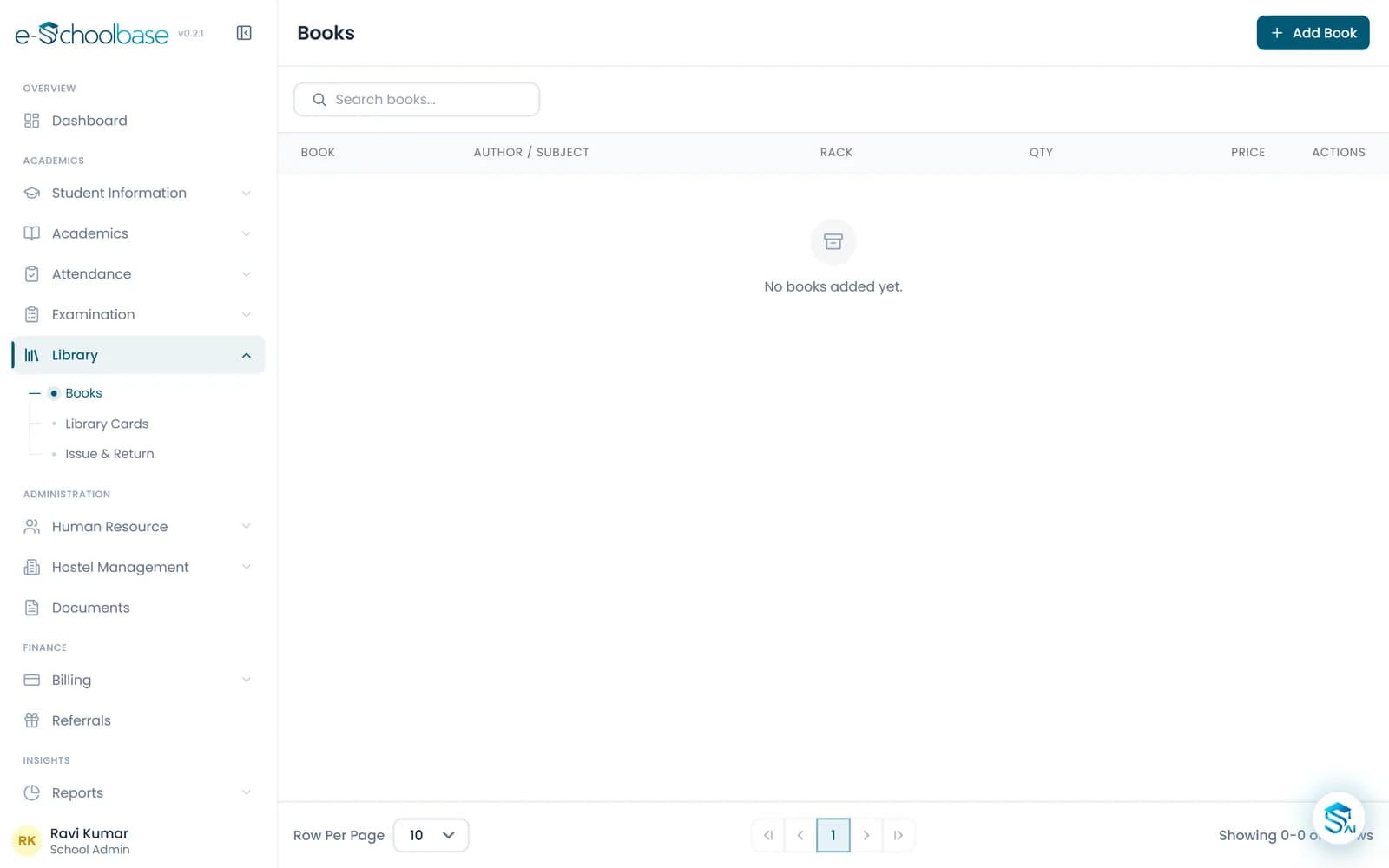
- Book inventory with rack and copies
- Barcode and QR library cards
- Issue, return and fines
- Library reports
Why school libraries lose books
A school library can hold thousands of books and serve every class. Most are still run from an accession register and a card in the back of each book.
Nobody knows what is on the shelf
A student asks for a book. The librarian checks the register, then the shelf, then the issue book, and still is not sure.
Issued books are not returned
Due dates are written by hand and rarely checked, so books stay with students for months, or leave with them at the end of the year.
Fines are hard to apply fairly
Working out how many days a book is late, for every student, is slow, so fines are skipped or argued over.
Stock checks take days
Counting copies against the register at the end of the session means pulling every book off every rack.
One catalogue, connected to the school
e-Schoolbase Library Management keeps the library’s catalogue inside the school system. Every book has its title, author, publisher, subject, rack and number of copies, and every borrower is a student or staff member the school already has on record.
With barcode and QR library cards, issuing and returning a book is a quick scan rather than a line in a register. The librarian sees what is out and what is overdue; the principal sees how the library is used across classes.
Everything a school library needs
Catalogue your books once; after that, issue, return and fines follow from each scan.
Book inventory
Record each title with its author, publisher, subject, rack location and the number of copies you hold.
ISBN cataloguing
Store the ISBN for each title, so books are easy to find and duplicates are easy to spot.
Barcode library cards
Print barcode library cards for students and staff, so the borrower is identified with a scan.
QR library cards
Use QR codes on library cards where they suit your counter better than barcodes.
Issue and return
Issue a book to a student or staff member and take it back, with every transaction recorded against both.
Due dates and fines
Set the loan period and fine rule once; due dates and late fines are worked out for every issue.
Student library accounts
Each student’s books in hand, borrowing history and any fines due, in one account.
Book availability
See how many copies of a title are on the shelf and how many are out, before you walk to the rack.
Library reports
Books issued, overdue, most borrowed, fines collected and stock by subject, for the librarian and the principal.
See the library module
What changes for each person
School owners and directors
- A library stock you can account for every session
- Fewer books lost to unreturned issues
Principals
- See how much each class uses the library
- Overdue books and fines visible without asking
Librarians
- Issue and return with a scan of the library card
- Due dates and fines worked out for them
Students
- Know whether a book is available before asking
- A clear record of books borrowed and when they are due
How library management works
Catalogue your books
Add each title with its ISBN, author, publisher, subject, rack and copies.
Issue library cards
Print barcode or QR library cards for the students and staff who borrow books.
Issue and return
Scan the card and the book to issue it; scan again on return. Due dates and fines follow automatically.
Review the library
Check overdue books, fines and borrowing reports, and use stock reports at the end of the session.
Who it is for
Schools with a central library
Schools where one librarian serves every class from a single collection.
Schools with class libraries
Schools that keep reading corners in classrooms and want them on record too.
Senior secondary schools
Schools with reference books for board exam and competitive exam preparation.
Schools across India
From city schools to rural schools in Rajasthan and beyond, building a reading habit with limited copies.
Works well with
Learning Management System (LMS)
Study materials, video lessons, homework, quizzes and teacher feedback for every class, in the same system as attendance and exams.
View Learning Management System (LMS)Examination & Results
Exam schedules, marks entry, grades, marksheets, report cards, ranks and result analysis, worked out from the marks teachers enter.
View Examination & ResultsAttendance Management
Daily student and staff attendance by class and section, leave, attendance percentages and monthly reports, with parents kept informed.
View Attendance ManagementParent & Student Portal
Parents and students see attendance, fees, homework, results, timetable and notices from their own login, with every child under one parent.
View Parent & Student Portal
Library management questions
See your library in e-Schoolbase
Book a free demo and we will walk you through cataloguing, library cards, issue and return and fines with a sample school.